Quote it, invoice it, get paid
Build estimates from your own services and prices, get approval online, then invoice from the job. Customers pay by card, Apple Pay or Google Pay through Stripe, at Stripe's standard rate with no Subser markup.
Estimates from your price book
Build the estimate from the services and prices you've already saved. The customer reviews it and approves it online.
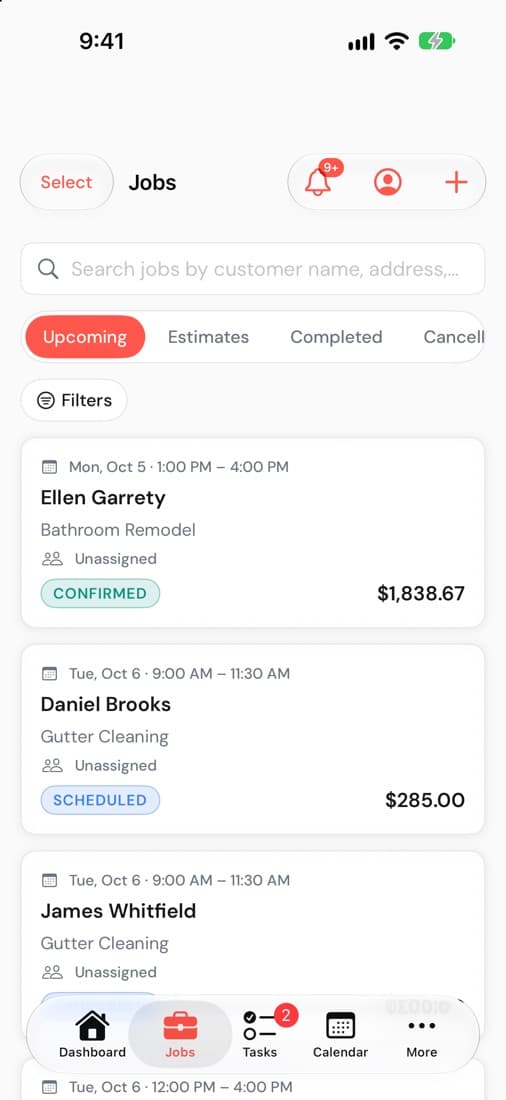
Invoice from the job, then let reminders follow up
When the work is done, create the invoice from the job. Payment reminders go out automatically, so you're not the one chasing.
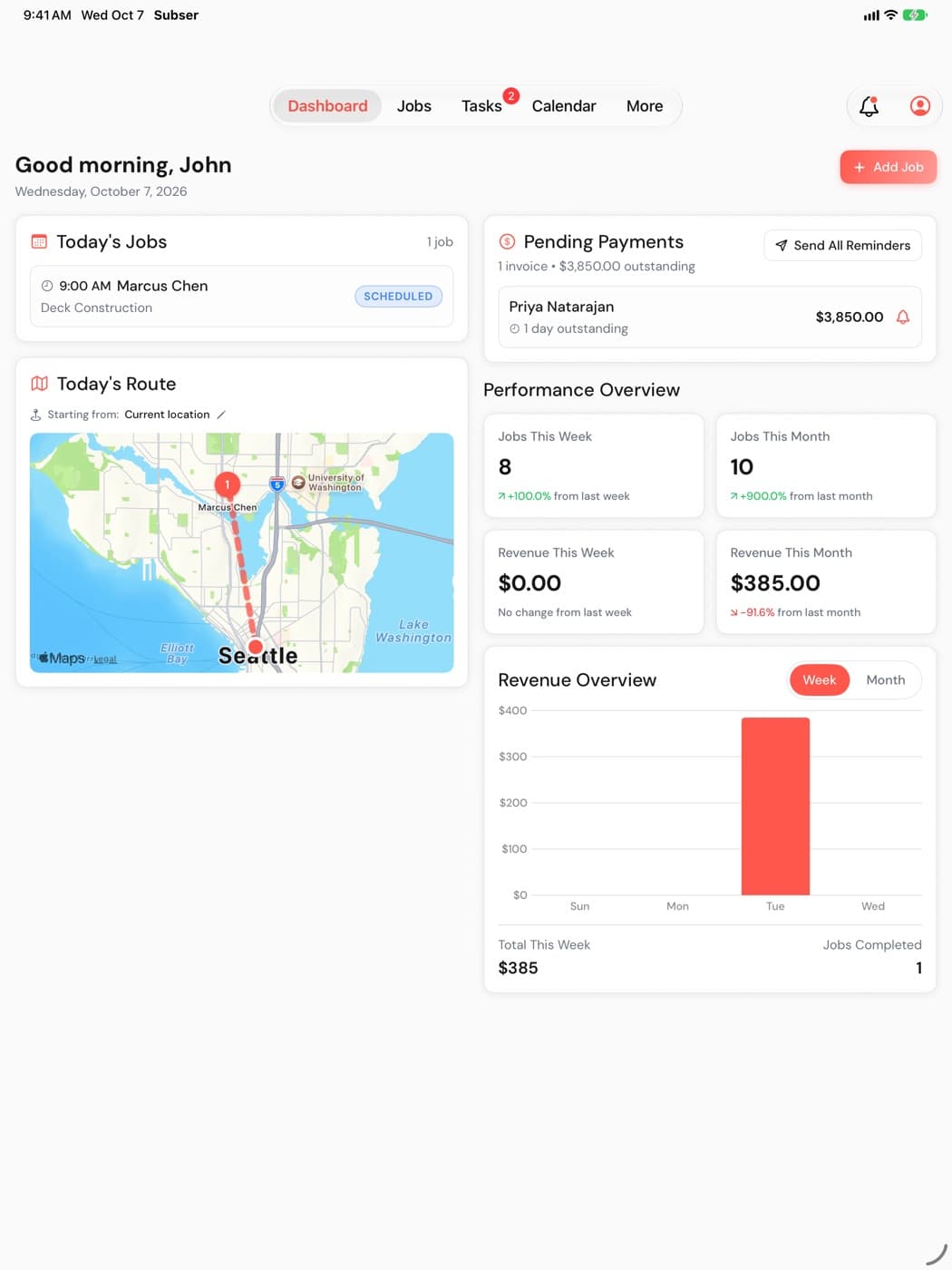
Card, Apple Pay and Google Pay
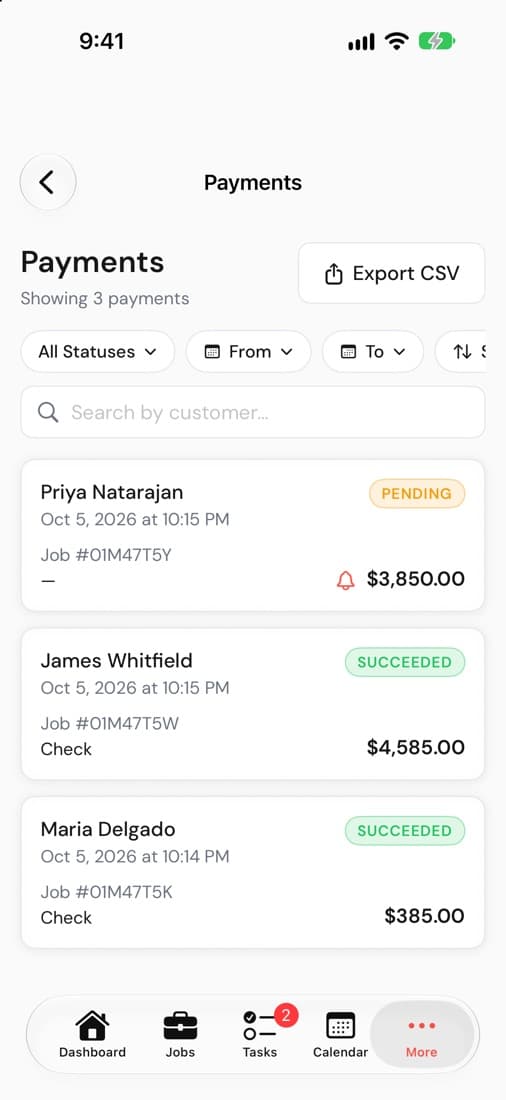
Online payments run through Stripe at Stripe's standard rate (2.9% + 30¢ for online cards when we last checked), with no Subser markup on top.
- Receipts go out automatically.
- Record checks and cash too, so every job's balance is right.
Invoicing and payments are on every plan, from $19/mo. Compare plans
Works well with
Try it on your next job
14-day free trial, no credit card. Up to 75 team members on every plan, with no per-user fees.
Also on iPhone and iPad