Route Planning
Plan the day's route in one tap
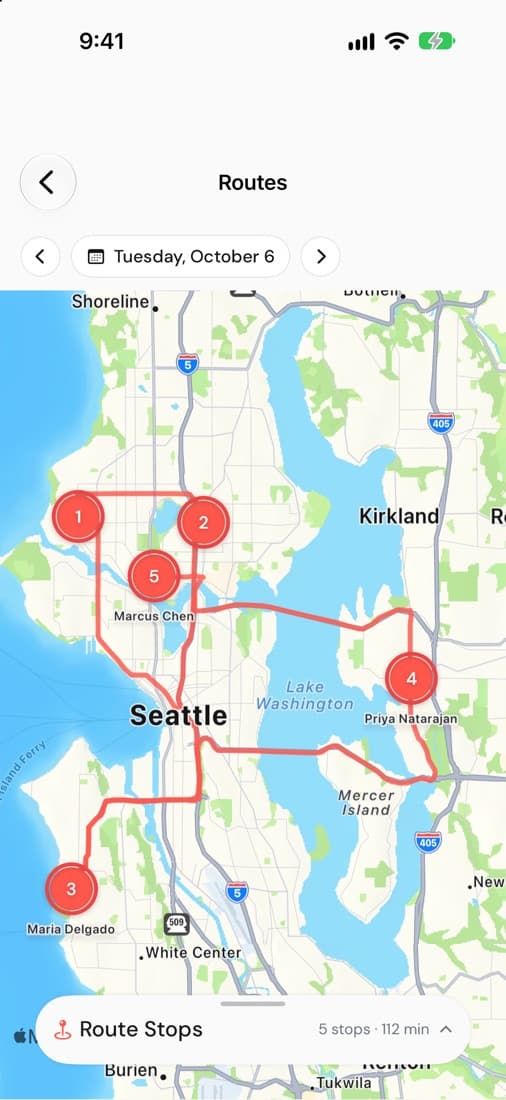
See every job for the day on a map, in the order you'll drive it. Optimize the route with one tap and follow real road directions between stops.
The whole day on a map
Every job for the day shows on the map, numbered in the order you'll get to it. Step to another day to see what's coming.
Optimize with one tap
Added a job mid-morning? Tap optimize and Subser puts the stops back in a sensible order, so you spend less of the day crossing town.
Real roads, not straight lines
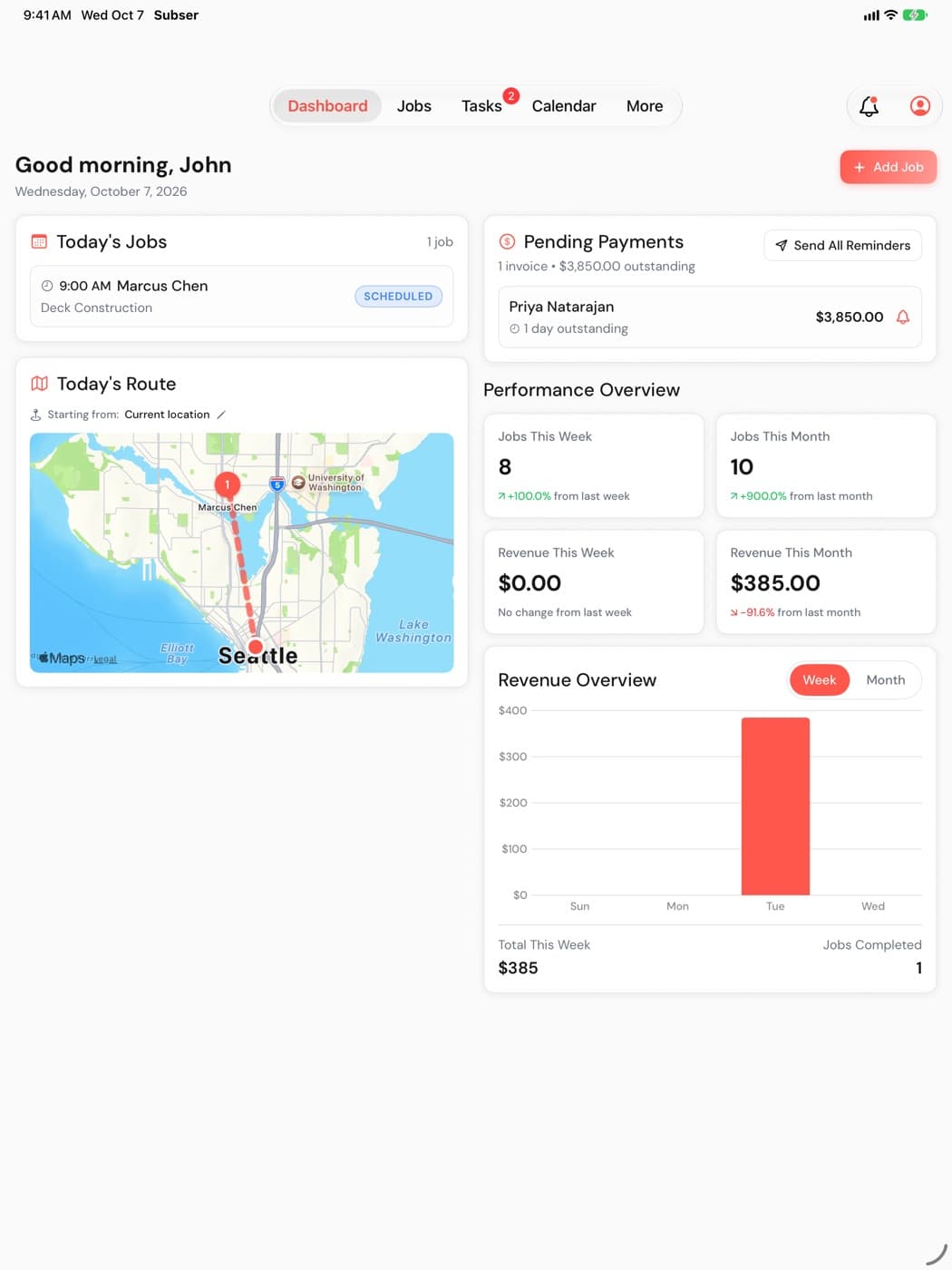
The route between stops follows real roads. Today's route sits on the dashboard next to today's jobs, so the plan is the first thing you see.
Which plan
Route optimization comes with Pro ($49/mo) and Business ($99/mo). Compare plans
Works well with
Try it on your next job
14-day free trial, no credit card. Up to 75 team members on every plan, with no per-user fees.
Also on iPhone and iPad